
Say and See · Quick guide
Your first words, together.
A child says a word. The app spells it, says it, and shows its picture. Start with something familiar, like dog.
- Tap the big blue microphone. Allow microphone access if your phone asks.
- Say a word together. Watch for the listening ring, then speak clearly.
- Watch and listen. The letters arrive one by one, followed by the word and its picture. Tap the microphone for another turn.
Nothing is scored. Take turns, repeat favorites, and stop whenever you like.
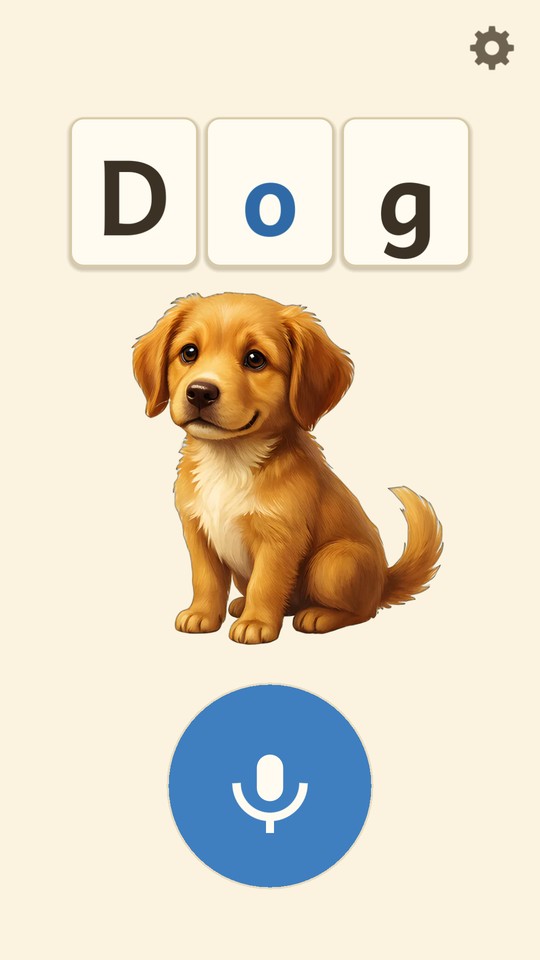
For grown-ups → Settings
Make play comfortable.
Press and hold Grown-ups: press and hold on the opening screen, or the small gear while playing, until the parent screen opens.
- Letter style and Spelling speed change how words appear. Try Play a sample.
- Sounds turns the extra animal and object sounds on or off.
- Animation offers Full, Gentle or None.
- Hands-free listening lets your child speak without pressing. While play is showing, the microphone stays open. It is off unless you choose it.
Turn the phone sideways to give long words more room. Tap Done to return to play.
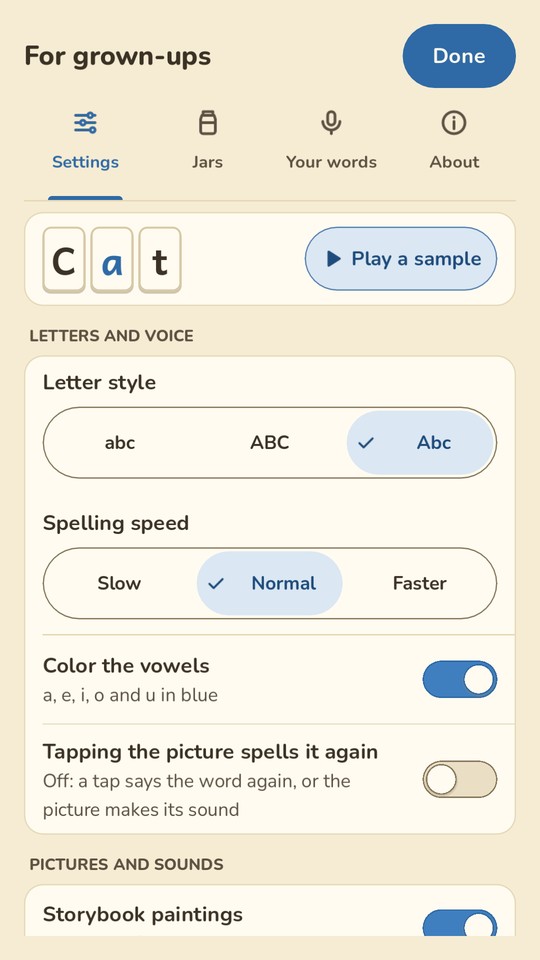
For grown-ups → Jars
Explore without speaking.
- Choose a jar, such as Animals, then Open for my child.
- The big button becomes an arrow. Each tap brings the next picture, spelled and spoken.
- To use the microphone again, open the grown-ups screen and choose Put the jar away.
Make your own: choose New jar, give it a name, then choose its pictures. Look at all the pictures shows every picture, A to Z, with its word.
The Word jar can keep the pictured words you discover in a session or today. It starts turned off; choose it under Jars to turn it on.
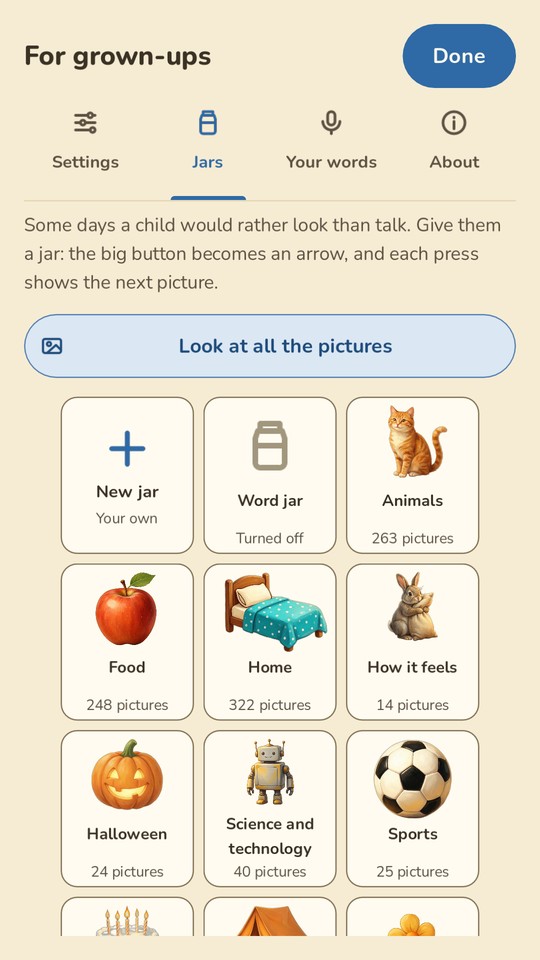
For grown-ups → Your words
Bring a familiar name.
- Type a name or family word and tap Add.
- Use Picture and voice to choose a picture from your phone and, if you like, record the word: hold the red button, say it, then let go.
- Tap See and hear it to try the result.
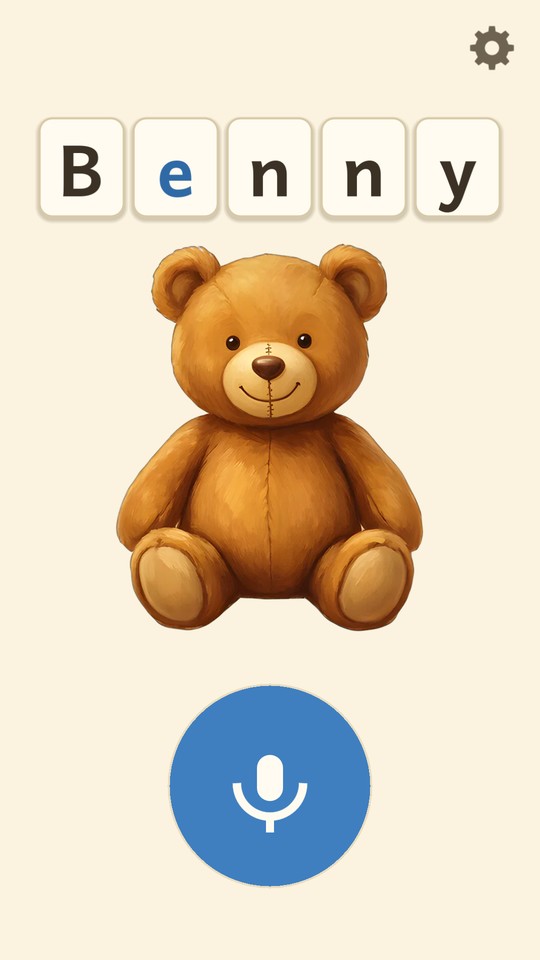
A favorite toy, a grandparent, the family dog: use the words that matter to your child.
To change how an existing app word sounds, use Replace a pronunciation on the same tab.
A little help
When a turn needs another try.
Nothing appears, or the wrong word appears.
Try a familiar word again in a quieter spot. If the phone cannot listen, check microphone permission in your phone’s settings. Unknown words may be left out by the Safe word list; add a family name under Your words. Picture jars always offer a way to play without speaking.
I see letters but no picture, or hear no sound.
Not every word has a picture. If none appear, check Storybook paintings in Settings. For sound, raise the phone’s media volume and check for connected headphones. Sounds controls the extra animal and object noises. For a family word, you can record your own voice.
Does listening need the internet?
Supported phones recognize speech on the device. Some Android phones need Google’s online speech service; a grown-up must allow it first. You can change that choice under Settings → Listening → Online listening on this phone, when offered. Pictures and jars work without it. Read the privacy policy.